


Understand How Credit Card Connections Work
Understand How Credit Card Connections Work
Expensify connects to the bank or card provider that issued your credit card to automatically import your card transactions. When a transaction imports into Expensify, it becomes an expense that can be added to a report.
Expensify supports two types of credit card connections: company cards and personal cards. The connection type determines how the card and its imported expenses are managed in Expensify.
How company card connections work
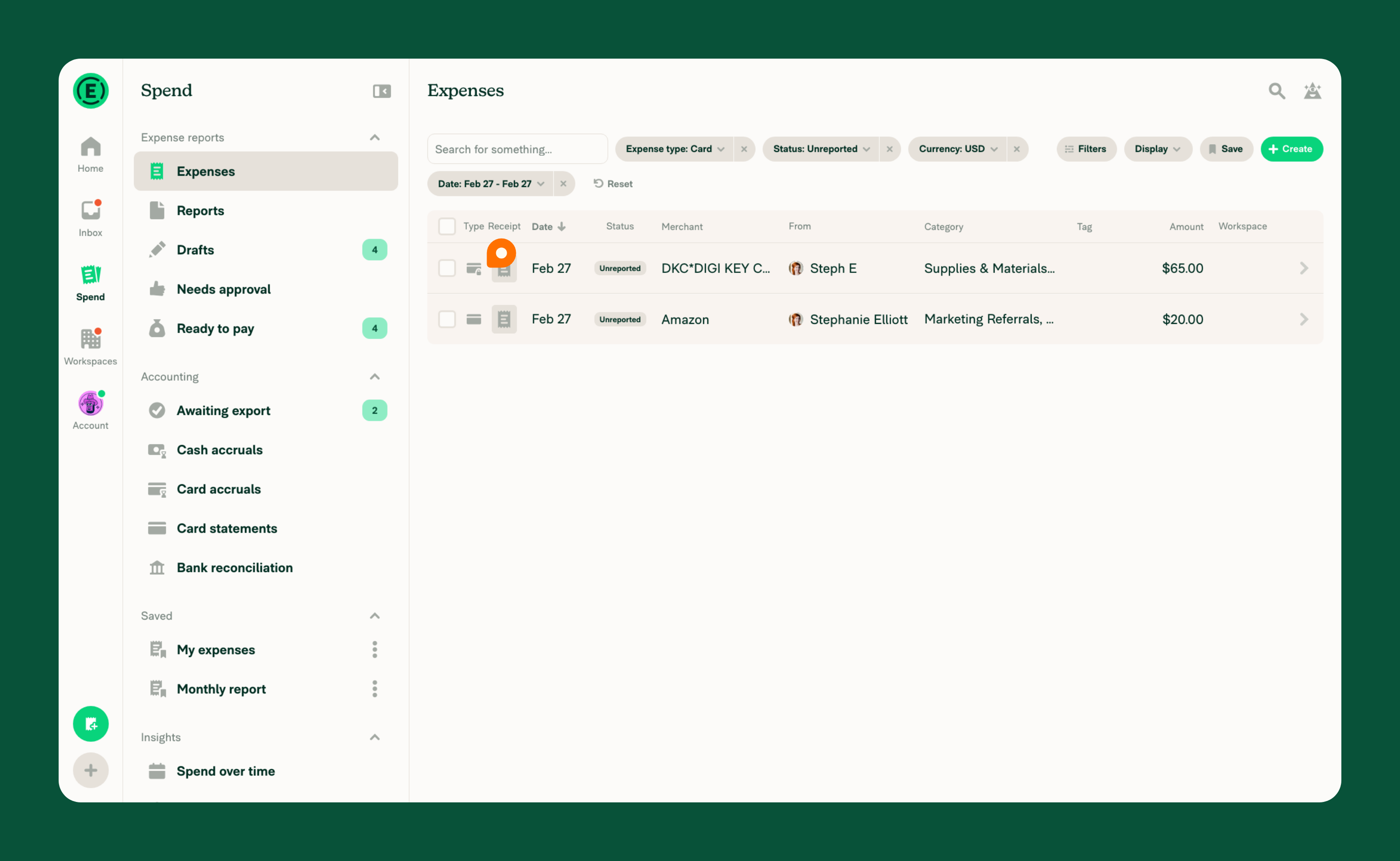
Company cards are connected at the workspace level and then assigned to individual workspace members. Once a card is assigned to a member, the transactions import directly into the member’s Expensify account.
Company card expenses appear with a lock and card icon, identifying them as company card expenses.
How personal card connections work
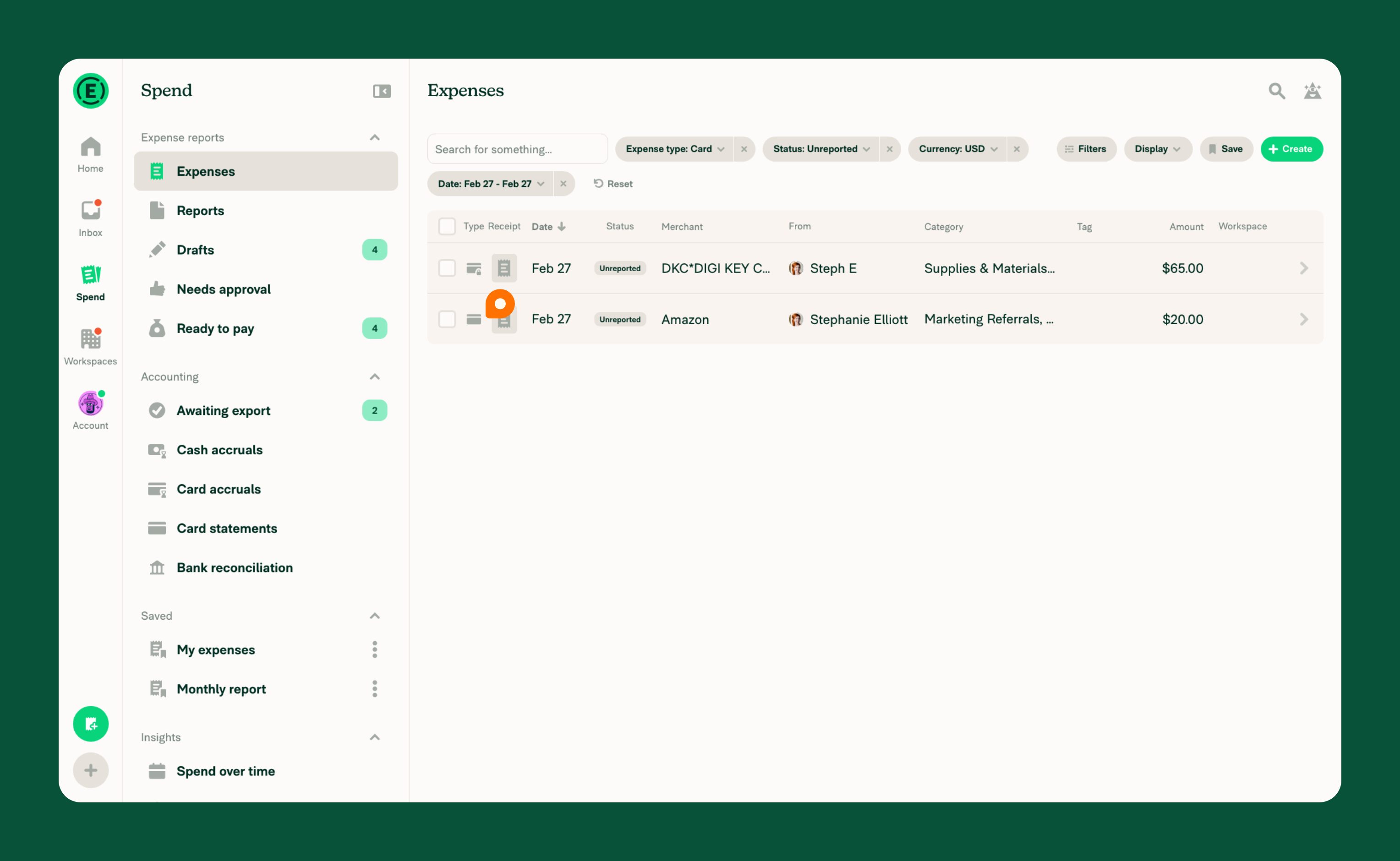
Personal cards are connected in your wallet, rather than on a workspace. Transactions from a personal card import into your own account.
Personal card expenses appear with a card icon, identifying them as personal card expenses.
How company card and personal card connections differ
| Company cards | Personal cards | |
|---|---|---|
| Where the card is connected | The workspace | The member’s wallet |
| Where the expenses import | The account of the workspace member the card is assigned to | The account of the member who connected the card in their wallet |
| How imported expenses appear | With a card and lock icon | With a card icon |


