


Sign Into Your Account
Sign Into Your Account
Sign in to Expensify on web or mobile using an email security code, your company’s single sign-on (SSO), Google, or Apple.
Use the email address associated with your existing Expensify account to avoid creating a separate account.
How to sign in to Expensify
To get started, open new.expensify.com in your web browser on any device, or use the Expensify mobile app for iOS or Android.
Then follow the instructions for your sign-in method below.
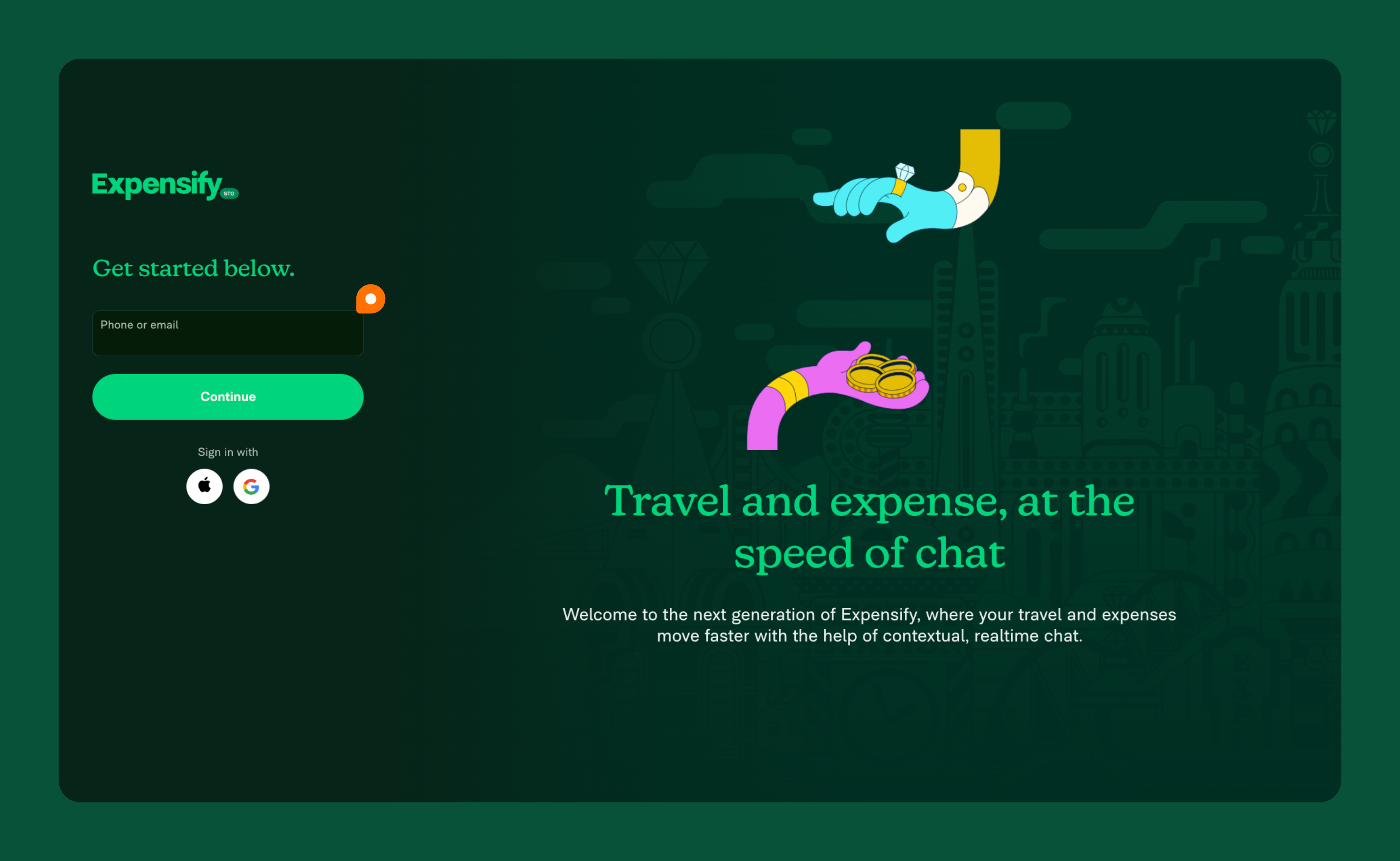
How to sign in with an email security code
Expensify uses email security codes instead of passwords for email sign-in.
- In the Phone or email field, enter the email address associated with your Expensify account.
- Select Continue.
- If prompted to choose between SSO and a security code, select Use security code.
- Check your email for a message with the subject Your Expensify security code.
- Enter the security code on the sign-in screen and select Sign in.
How to sign in with SAML SSO
If your company has configured SAML single sign-on (SSO) in Expensify, you can sign in through your company’s identity provider.
- In the Phone or email field, enter your company email address.
- Select Continue.
- If prompted, select Use single sign-on. If your company requires SSO, you’ll be redirected automatically.
- Follow your company’s sign-in prompts to complete authentication and return to Expensify.
How to sign in with Google
- Select Sign in with Google on the sign-in screen.
- Select the Google account associated with your existing Expensify account.
- Follow Google’s prompts to complete sign-in.
How to sign in with Apple
- Select Sign in with Apple on the sign-in screen.
- Use the Apple account associated with your existing Expensify account.
- Follow Apple’s prompts to complete sign-in.
FAQ
How does two-factor authentication affect sign-in?
If you have two-factor authentication enabled, use email sign-in and enter the code from your authenticator app when prompted.
This code is different from the security code Expensify sends to your email.
Learn more about signing in with two-factor authentication.
What if I can’t sign in to Expensify?
If you aren’t receiving security codes, can’t sign in with SSO, or encounter another login issue, see Troubleshoot Expensify Login Issues.


